



Screens4RealEstate

Your properties deserve more than a static screen.

Turn every TV in your agency, window or open house into a living extension of your business.

One platformEvery screenAlways up to date

No hardware to buy. No app to install. No designer needed.

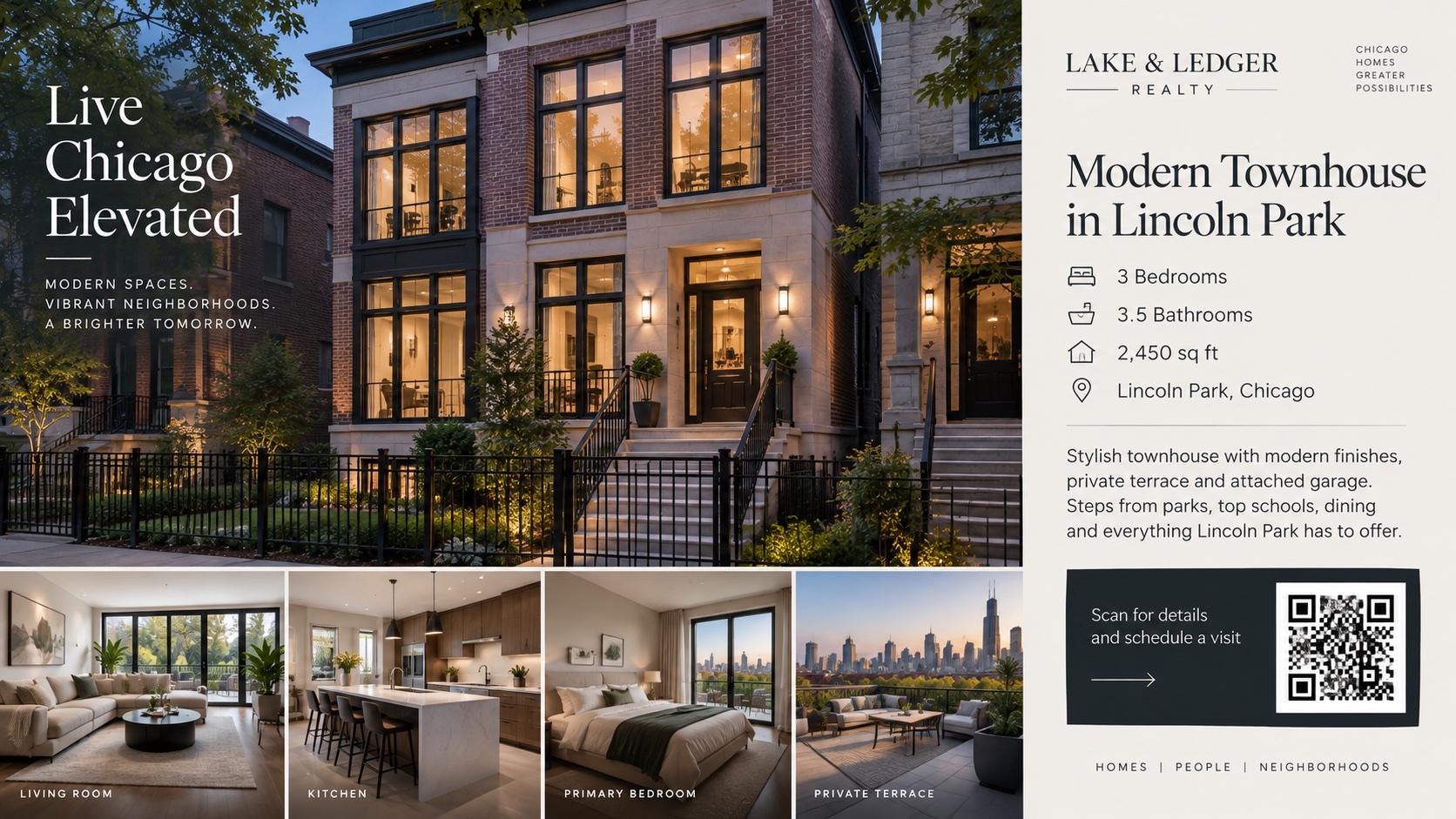
Modern townhouse in Lincoln Park, Chicago, playing on a storefront screen

A TV shouldn’t look like a TV.
It should look like your agency is alive.

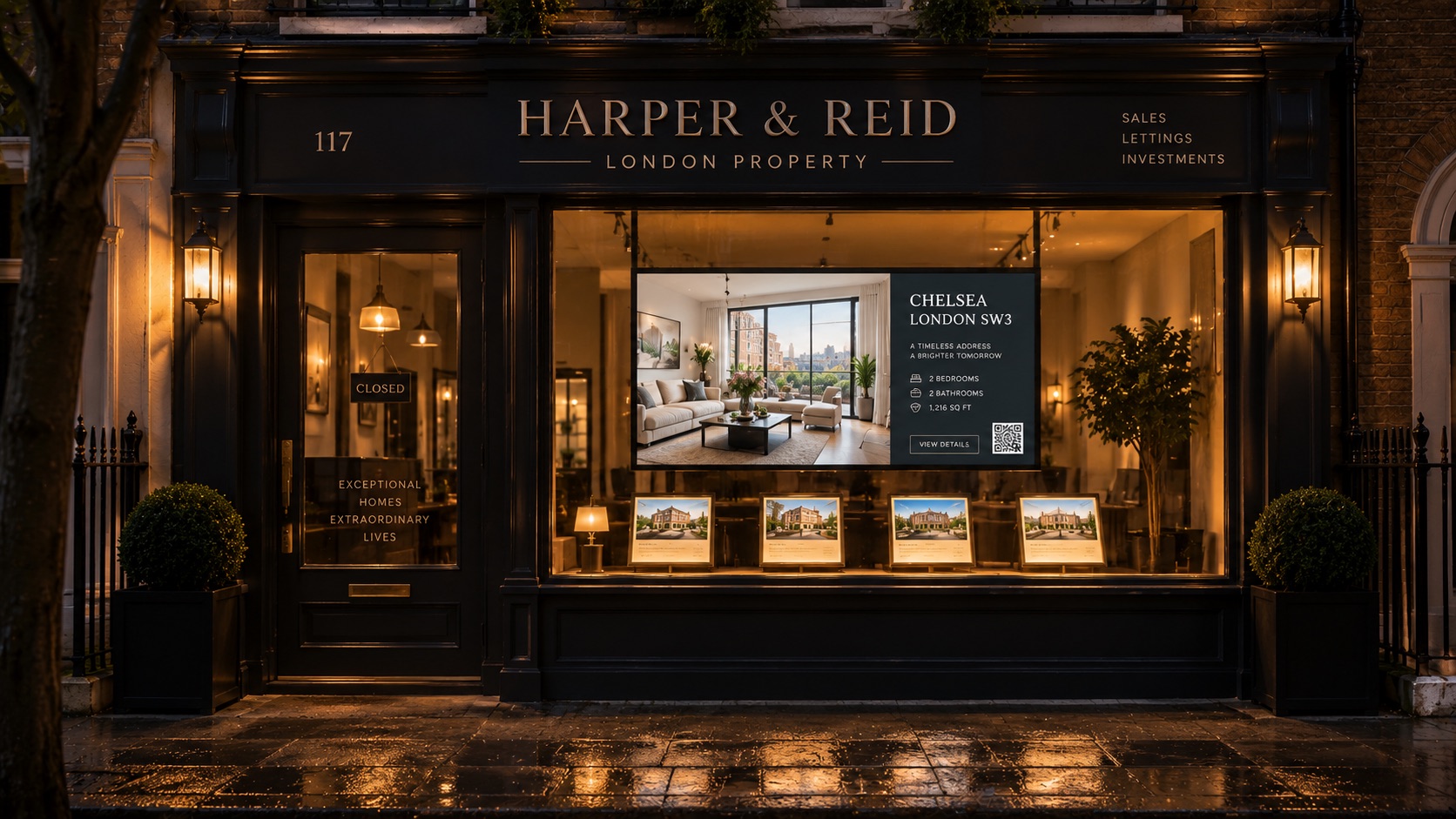
The window

Turn foot traffic into property traffic.

Listings, prices, photos and QR codes working long after everyone has gone home.

Your agency closes. Your window doesn’t.

And then they walk in

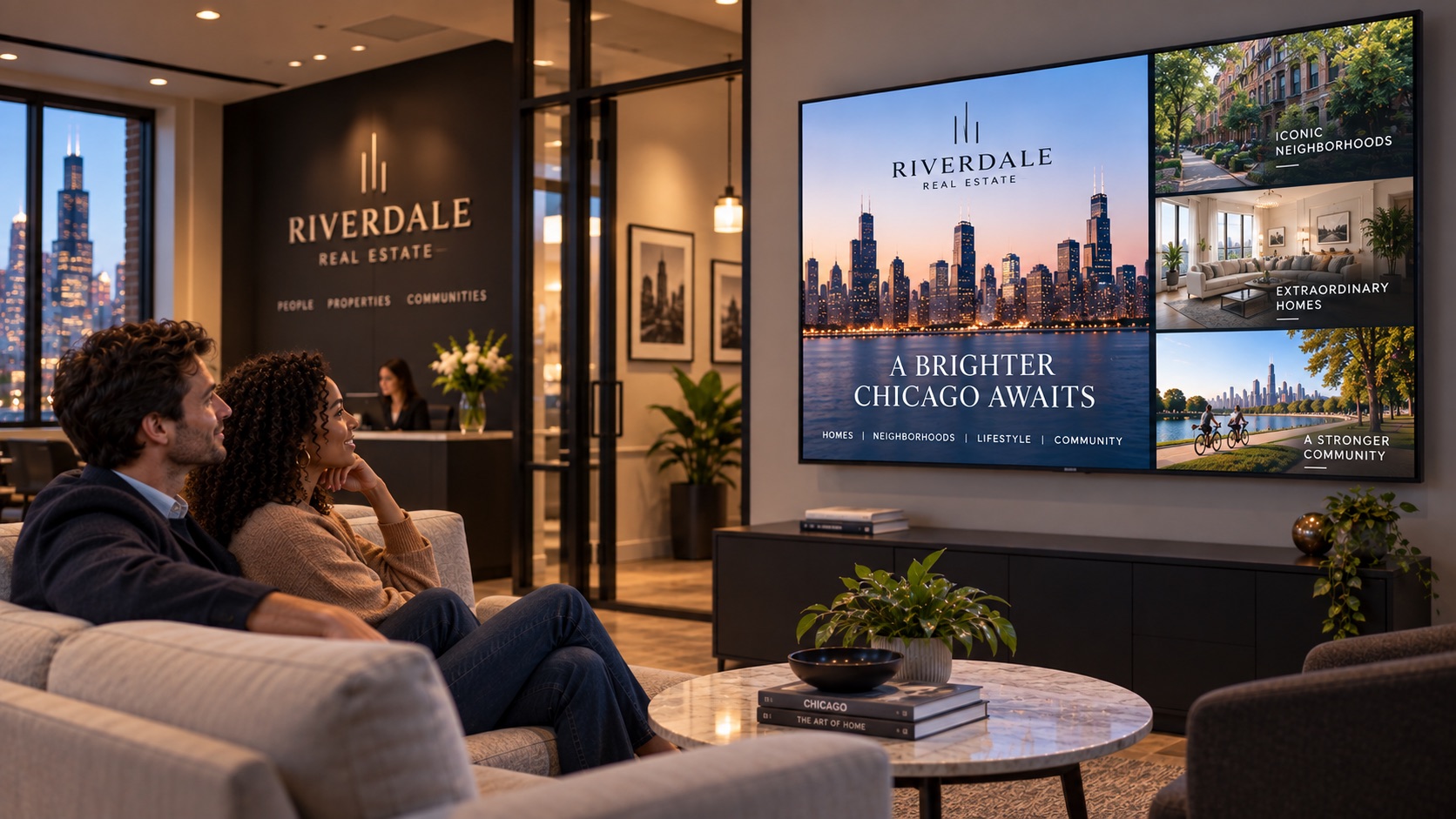
The office

Make waiting time work for you.

Properties, new listings, neighborhoods and your brand moving across the screens around your clients.

Build trust before the meeting starts.

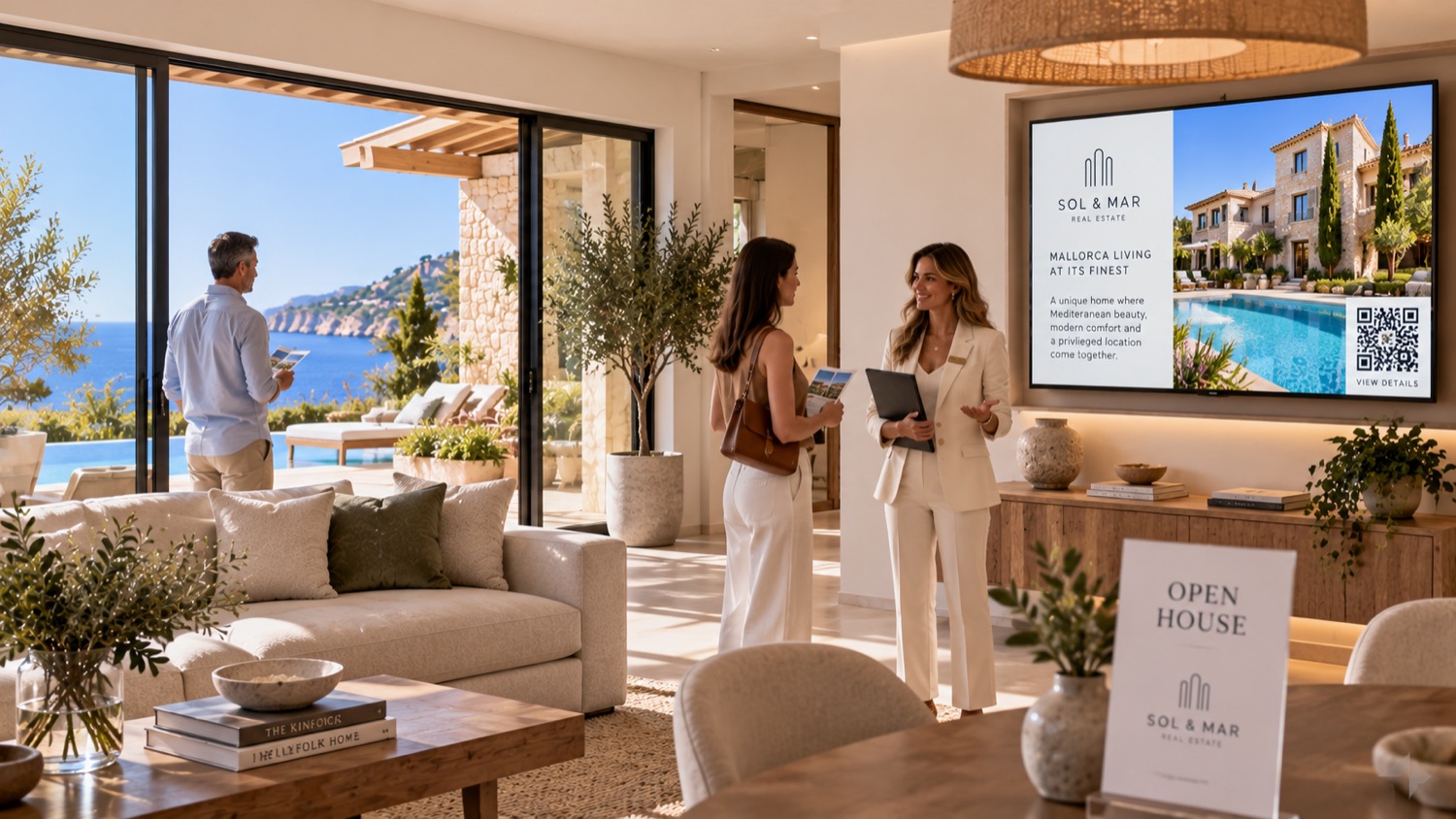
The open house

Every TV in the house becomes your showcase.

The screens that are already in the home are yours for the afternoon. Each room shows the part of the story that belongs to it, while you talk to the people in front of you.

One synchronized story.
Throughout the home.

Living room

A screen showing the listing of a Mallorca villa with its details and a QR code

The listing, at a glance

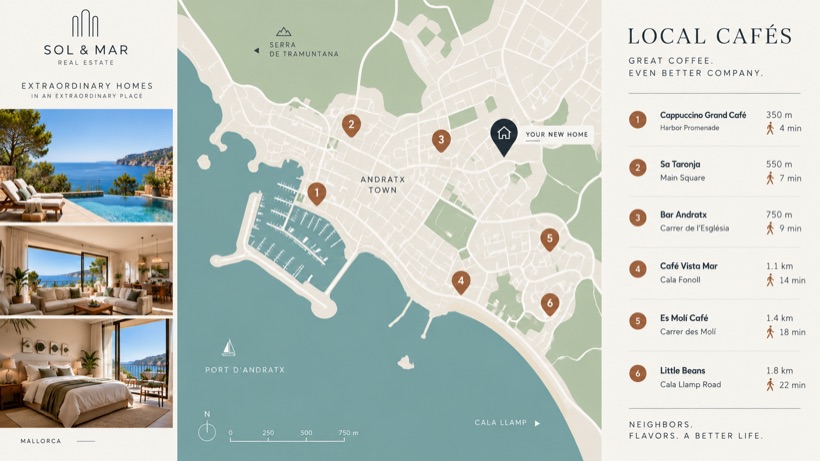
Kitchen

A screen showing a map of the town with the cafés nearby and how long each takes on foot

What is nearby, and how far

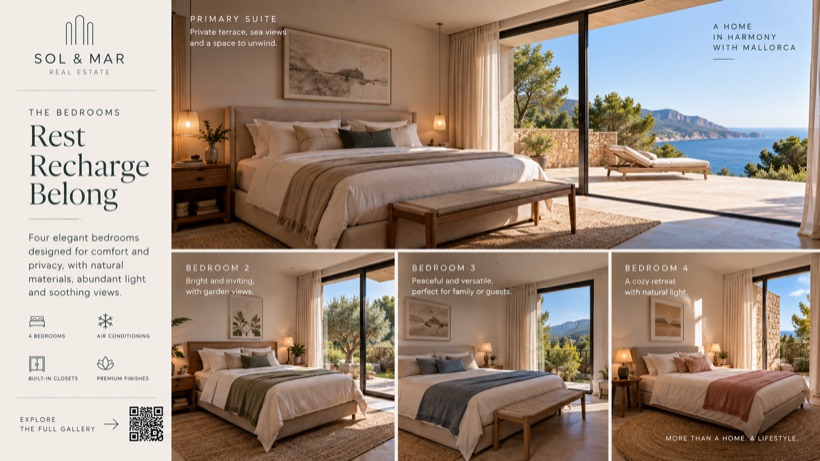
Upstairs

A screen showing the four bedrooms of the house, one by one

Every bedroom, one by one

Entrance

A screen showing the house from outside with the agency name along the bottom

Your brand, before they say hello

One place

And you control all of it from here.

Update content, change streams and manage every screen remotely, right from your computer.

One screen or hundreds.
One office or many.

Screens26 online

Lincoln Park

2140 N Halsted St

8 screens

Wicker Park

1620 N Damen Ave

5 screens

The Loop

188 W Randolph St

10 screens

West Loop

933 W Fulton Market

4 screens

Simple to run. Easy to scale.

It’s simple

Getting started

Getting a screen online takes less time than making coffee.

1

Open s4re.app

On the TV or any connected device.

2

Enter the 6-digit code

It pairs the screen with your account.

3

Choose what it should play

Done.

No installers.No media servers.No USB drives.

Your content

Stop designing slides for TVs.

The properties are already loaded in the system you use every day, with their photos, their prices, their descriptions and their locations. We read them from there. Nothing to upload, nothing to lay out.

Photos14
Price$430,000
LocationLincoln Park
Description3 bed with balcony…
AmenitiesPool · Gym · Roof deck
StatusActive
Featured

Apartment for sale

Lincoln Park

$430,000

3 bedrooms · 2 bathrooms · 1,430 sq ft

Northline Realty

Hero property
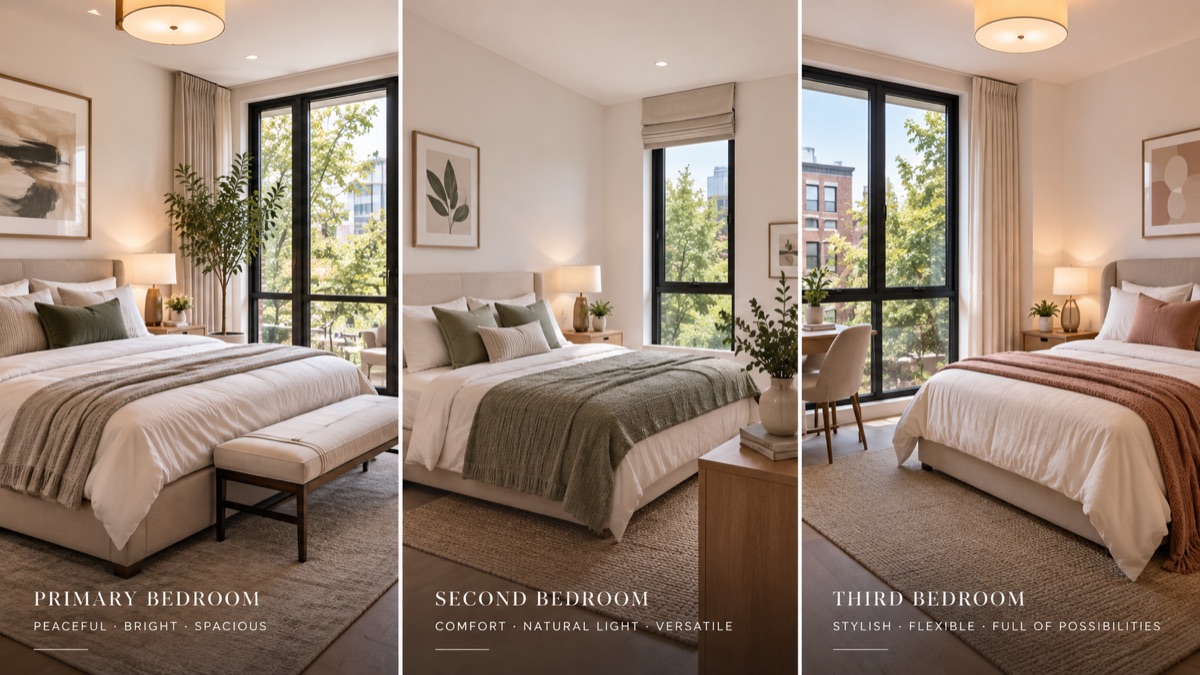
A screen showing the three bedrooms of the house, one next to the other

Gallery

What it has

Bedrooms
3
Bathrooms
2
Interior
1,430 sq ft
Parking
1
Floor
7
Built
2019

Details

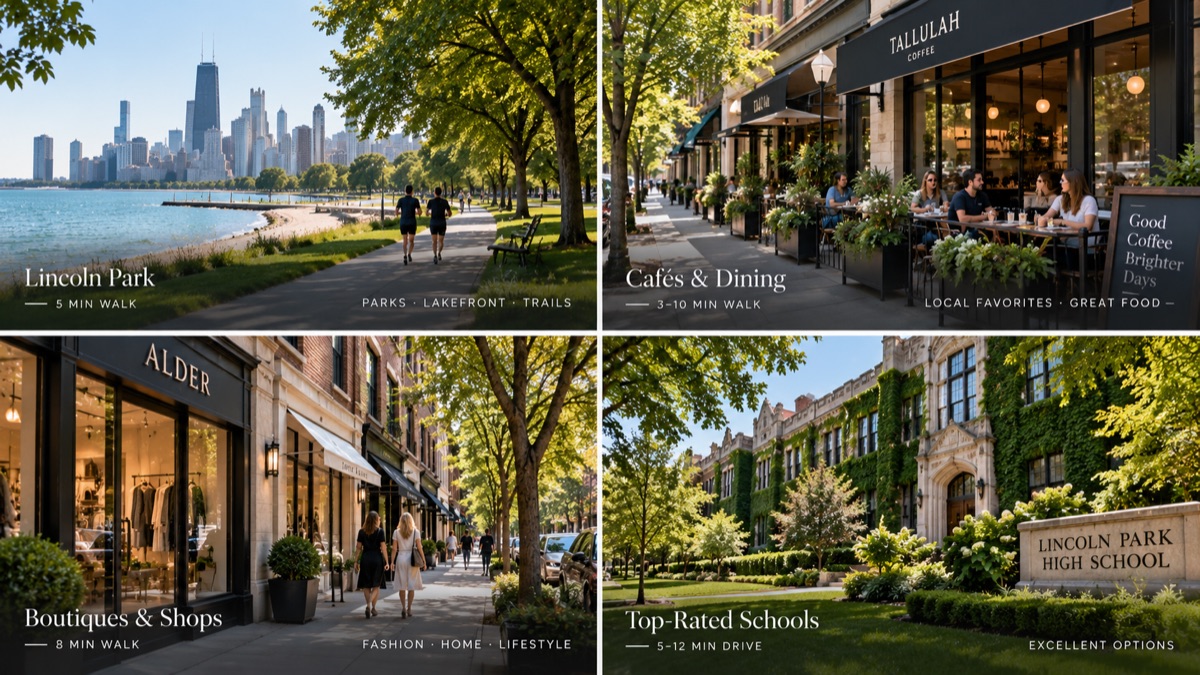
A screen showing the neighborhood: the park, the cafés, the shops and the schools

Neighborhood

Lincoln Park

Chicago

$430,000

3 bd · 2 ba · 1,430 sq ft

12345

Map

Open house

2140 N Hudson Ave

$430,000

3 bedrooms · 2 bathrooms · 1,430 sq ft

Northline Realty

Open house

Built for property.Not for slides.

Under the hood

Everything behind the experience.

Always current

A change in a property reaches the screens that show it, on its own.

Remote screen management

Know which screens are online and what each one is playing.

Property-based layouts

One property becomes a dozen presentation formats, automatically.

QR engagement

The screen hands the property to the phone of whoever is looking at it.

Neighborhood maps

Schools, parks, supermarkets and transport, measured from the door.

Agency branding

Your logo, your name and a palette chosen to read through glass.

Multiple offices

Every branch on one account, each with its own screens.

Open-house streams

A dedicated experience for one property and one visit.

Offline resilience

A dropped connection looks like nothing at all from the pavement.

Pricing

Start with one screen.

You’ll start seeing TVs everywhere. Window. Lobby. Meeting room. Another branch. Start with the one facing the street, and add the next once it pays for itself.

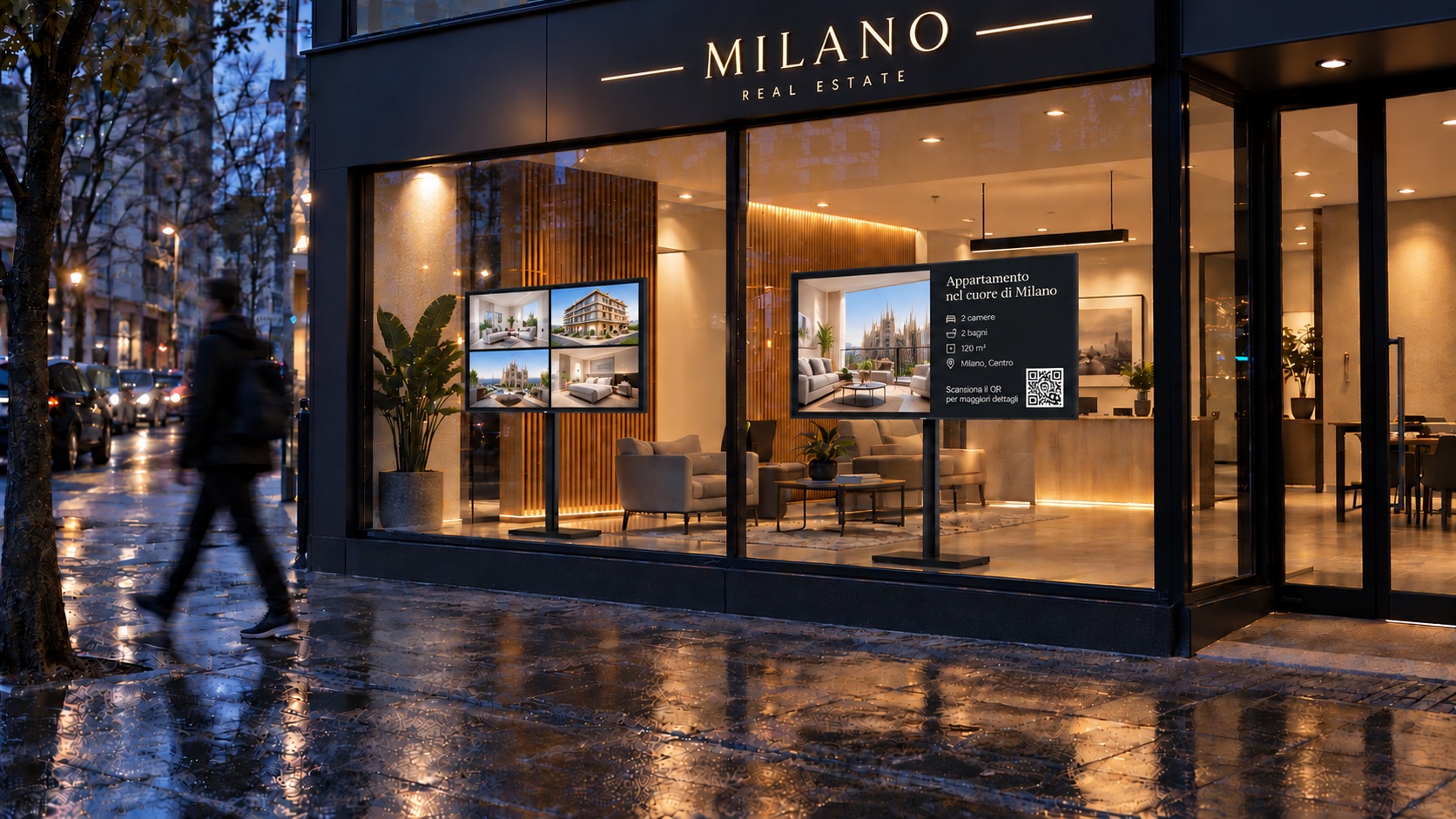
A real estate storefront with two screens in the window and an agent at the door

Agency mode

Your window, your lobby, your meeting room.

$15per screen
per month

How many screens?

3 screens · $45 a month

An agent at an open house, with the property on the TV behind him

Open house mode

Every TV of the property you are showing today.

$20per open house
per month

One open house covers every TV in the property. Two TVs or seven, same $20. And it moves: a different property every day of the month, or the same one all month, for that same $20. You only need a second one when you want to run two properties at the same time.

Every screen includes everything.

  • Unlimited properties
  • Every layout and piece type
  • Neighborhood maps
  • QR codes and scan analytics
  • Your logo, name and palette
  • CRM and CSV import
  • Multiple offices
  • Offline playback
Start free trial

One week free. No credit card required. No setup fee and no contract: the screens and the open houses you have running, month by month.

Questions

The ones agencies actually ask.

Any smart TV with a browser, or any monitor with a cheap stick behind it. The player is a web page: it opens a URL, goes full screen and stays there.

No. If the screen already opens a browser, that is all it takes. If it does not, say an older monitor or a projector, any streaming stick under fifty dollars turns it into one.

Open s4re.app on the TV. It shows a six digit code. You type that code into your account and the screen starts playing. It takes about a minute, and nothing gets installed.

No. That is the whole point. Import a CSV from your CRM with the columns mapped once, or connect Tokko Broker. From then on the screens follow your inventory.

Yes, and you should. The photos, prices, descriptions and locations you already loaded are exactly what the screens are built from. You never rewrite any of it.

The screen keeps playing what it already has. It caches its loop and its images, so a wobbly connection in a shop window looks like nothing at all from the pavement. When the line comes back it picks up the newest version on its own.

Yes. Every branch lives in the same account, with its own screens and, if you want, its own logo and palette.

Yes. A screen is added inside what it is going to play, so the window, the lobby and an open house can each be telling a different story at the same time.

It is one of the things it does best. You make a stream for that property, pair the TVs in each room, and every screen tells one part of the same visit.

An open house is a place you keep, $20 a month, and it covers every TV in the property it is running. It moves as often as you want: a different property every day of the month, or the same one all month, for the same $20. The only thing it cannot do is run two properties at the same time, and that is when you add a second one.

Yes. A graphic you designed elsewhere, or a video, drops into the same loop as one more piece. Most agencies use it for an opening, a campaign or a hiring notice.

Each property on screen carries its own, a short s4re.app link. Scanning it opens that property on the phone, with the photos, the details and a button to call or message you. And it tells you afterwards which screen and which office produced the scan.

$15 a month per screen that is on, and that is the whole of it. Every feature is on every screen: no plans, no setup fee, nothing charged per property. Turn a screen off and it stops costing.

Yes. The panel shows which window is online, what it is playing and when it last checked in, without anyone walking to the branch.

Your screens are already there.
Make them work.

Bring your properties, your neighborhoods and your brand to every screen your clients see.

One week free. No credit card.

Welcome to the modern real estate agency.